New ChatGPT Prompt for Photo Editing: The use of AI for photo editing with prompts is gaining popularity on social media platforms like Instagram and Threads. It is changing the game. You no longer need expensive software or professional design skills to make your photos stand out. With the right prompt, you can turn a simple image into a masterpiece, and all it takes is a few seconds!
Whether you want a cinematic vibe, a dreamy fairytale look, or a bold festival effect, ChatGPT photo editing prompts can help you achieve it. In this article, we’ll share 10 brand new ChatGPT prompts for photo editing that you can copy, paste, and use right away to create stunning images. If you’re interested in AI Photo Editing, then you’re at the right place.
Contents
New Trending ChatGPT Prompt for Photo Editing
These days, different types of AI-edited photos have been going viral on the internet. If you want to be part of the viral AI photo editing trend, then you’ve come to the right place. In this post, you’ll find new trending ChatGPT prompts for photo editing. New prompts are added regularly.
| Topic | AI Photo Editing |
| Category | AI Prompts |
| Platform | ChatGPT |
| Total Prompts | 10+ |
| Price | Free |
| Official website | App Website |
#1: Neon City Couple Photo AI Prompts
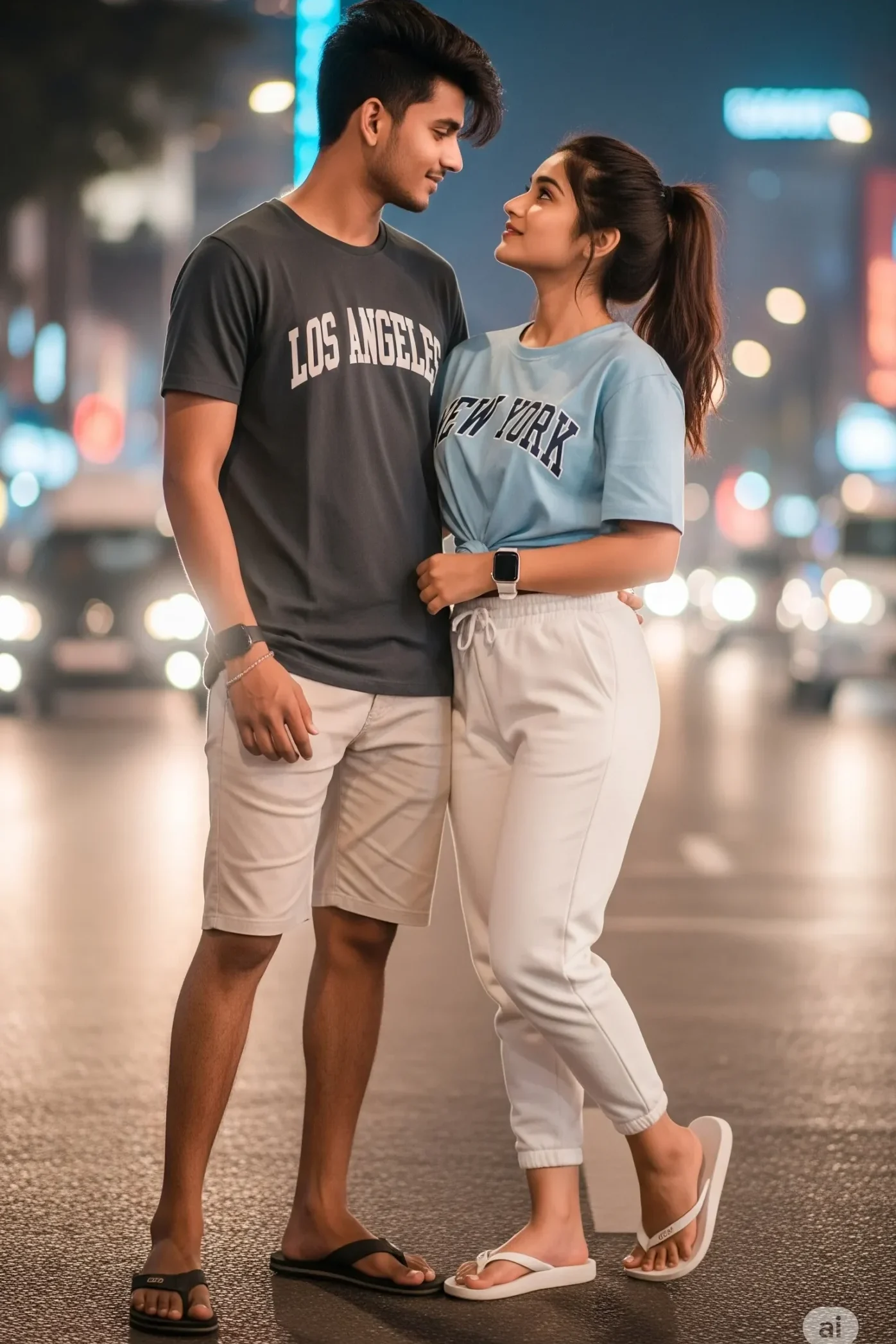
Prompt:
A stylish young couple sitting casually on a city street curb at night. The man is wearing a dark grey “Los Angeles” t-shirt, beige shorts, a black smartwatch, and black flip-flops. The woman is wearing a light blue “New York” t-shirt, white joggers, a white smartwatch, and white flip-flops. Both are looking at the camera with relaxed expressions. Behind them, city lights and traffic blur into beautiful bokeh, giving a modern urban nightlife feel.
#2: Walking on City Road AI Prompt
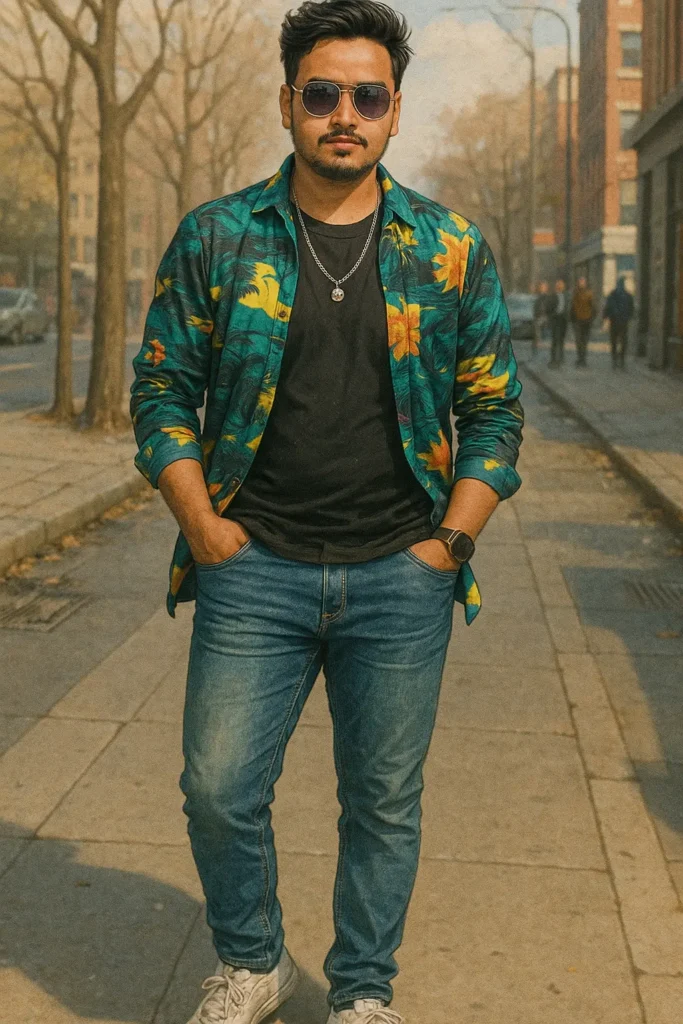
Prompt:
A hyper-realistic full-body portrait of a stylish young Indian man posing confidently in an outdoor urban setting, 8K ultra-realistic style. He is wearing fashionable modern streetwear—such as a fitted jacket, casual jeans, and clean sneakers. His hair is neatly styled, and he carries a smartphone in one hand. The background features a subtle Instagram interface overlay
#3: Classic Black Glam New ChatGPT Prompt
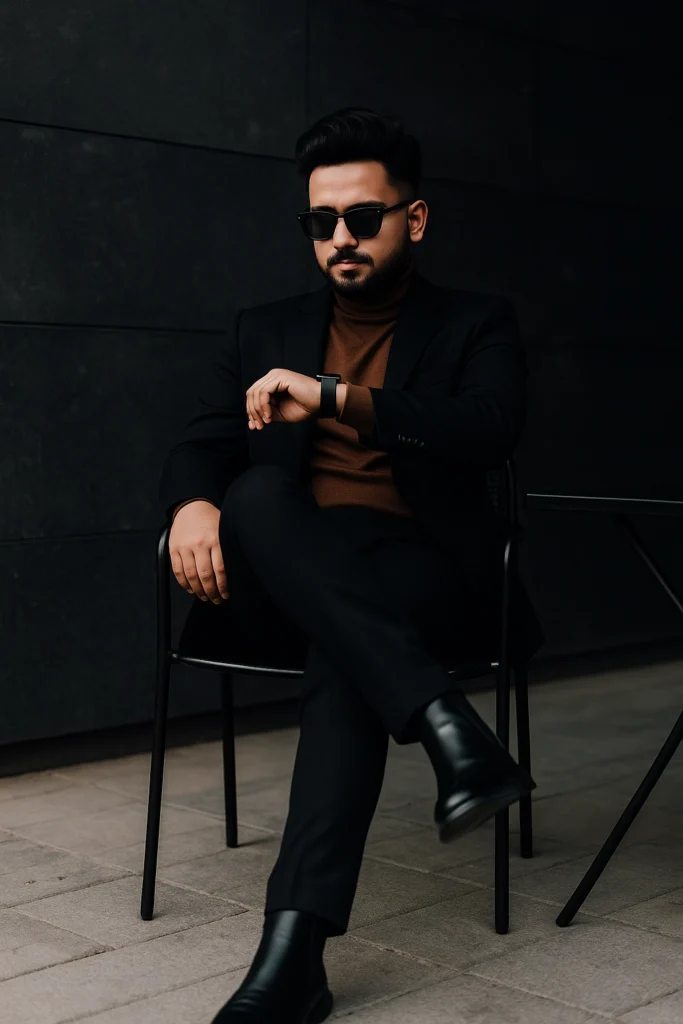
Prompt:
A stylish man sitting confidently on a chair in an urban outdoor setting. He is wearing a black suit with a brown turtleneck, black leather Chelsea boots, and dark sunglasses. The man has neatly styled hair and a mustache, exuding a sophisticated, modern, and minimalistic fashion vibe The background features a dark concrete wall and a black metal table and chair, adding a moody, elegant atmosphere. He is checking the time on his smartwatch, projecting a cool, composed, and professional demeanor.
#4: Cinematic portrait of a young man New ChatGPT Prompt
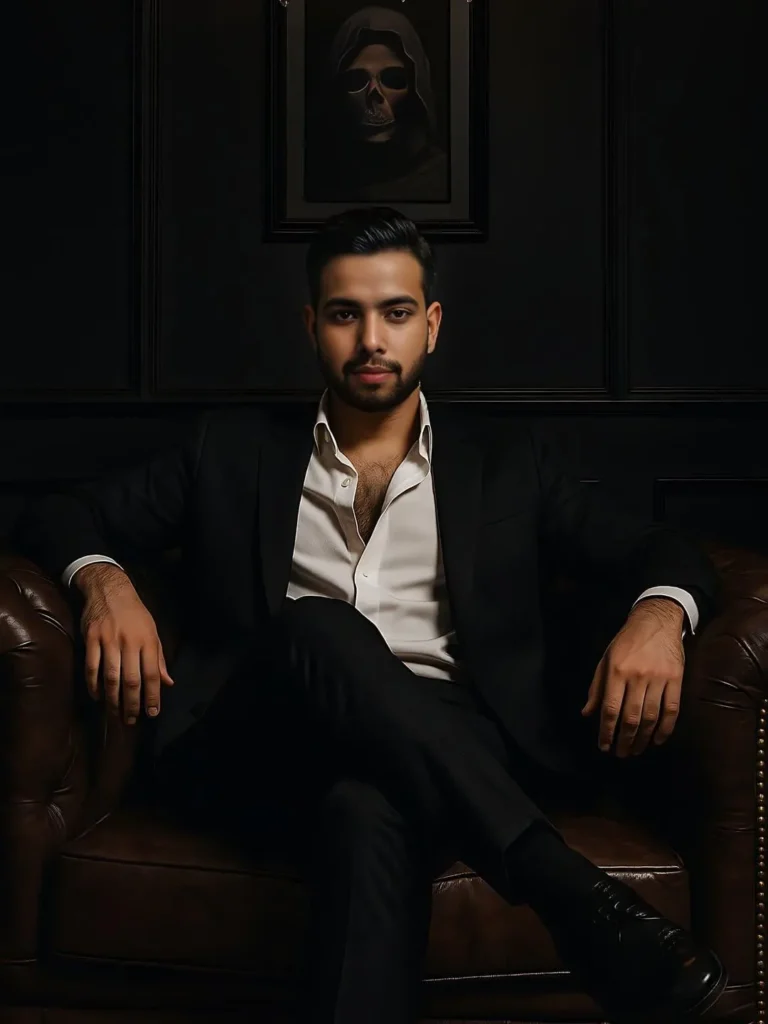
Prompt:
A moody, cinematic portrait of a young man wearing a black coat and a white shirt sitting in a royal looking sofa, gently touching it. He looks exactly in the front, sigma pose, cinematic image, kindda artistic feel. There is a painting frame of a sceliton wearing a hoody at the back. Bit foggy look with a densly serious feeling. Ratio- 9:16, high quality, hd image.
#5: Cinematic Girls AI Photo Edit
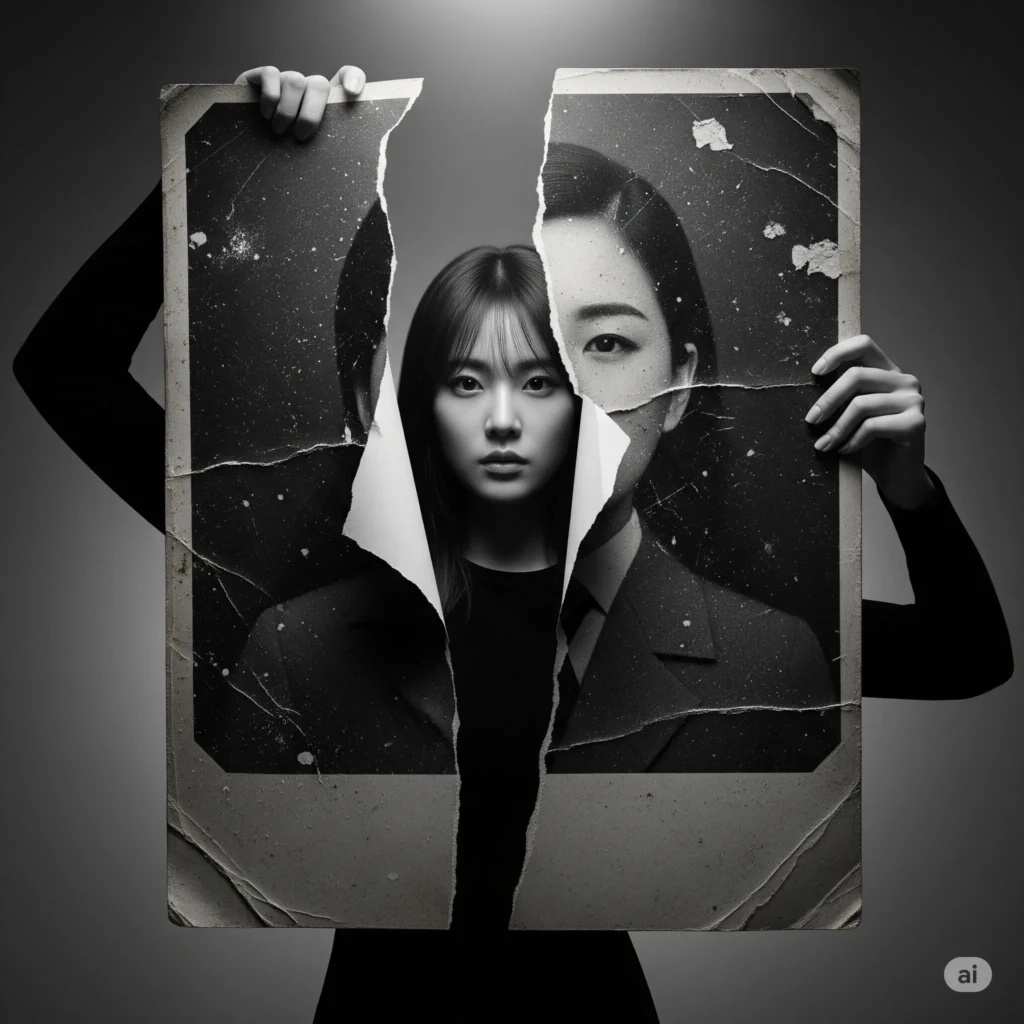
Prompt:
A cinematic black-and-white portrait of a young woman with long, straight hair wearing a plain white t-shirt. She is holding a large, torn vintage photograph of her own face in front of her. The torn photo is cracked in multiple places and slightly aged with textures and scratches. Her real face is calm and serious as she looks down at the photo she’s holding. The background is minimal with soft shadows, creating a dramatic and emotional mood. The concept represents identity,
How to Edit a Photo in ChatGPT AI using Prompts?
Editing photos with prompts using an AI platform like ChatGPT has become very easy. If you want to follow the trend of AI photo editing, just follow the steps below.
- We have shared a few prompts along with sample images.
- Choose the photo you like and copy the prompt given below the image.
- Now, go to ChatGPT and log in to your account.
- Click on the “+” icon and select “Add Photos and Files” on the left side of the chat box.
- Select the photo you want to edit.
- Paste the prompt into the chat box and hit Enter.
- That’s it! ChatGPT will start processing your image. Wait for a few moments.
- Once it’s ready, just click “Download” and save it to your phone or PC.
Final Words
With these 10 new ChatGPT photo editing prompts, you can easily turn your simple photos into professional-looking images without any editing skills. Just pick a prompt, upload your photo, and see the magic! Try these prompts today and make your photos stand out on social media or surprise your friends with a totally new style.
In this post, we will share in-depth information about ChatGPT AI photo editing with prompts. If you have any questions, please feel free to discuss them in the comment section below.